
video model16 credits
Kling 2
Image-to-video with smooth camera work
Bring a single image to life with believable motion and dynamic camera moves — ideal for product reveals and flythroughs.
Powered by Kling
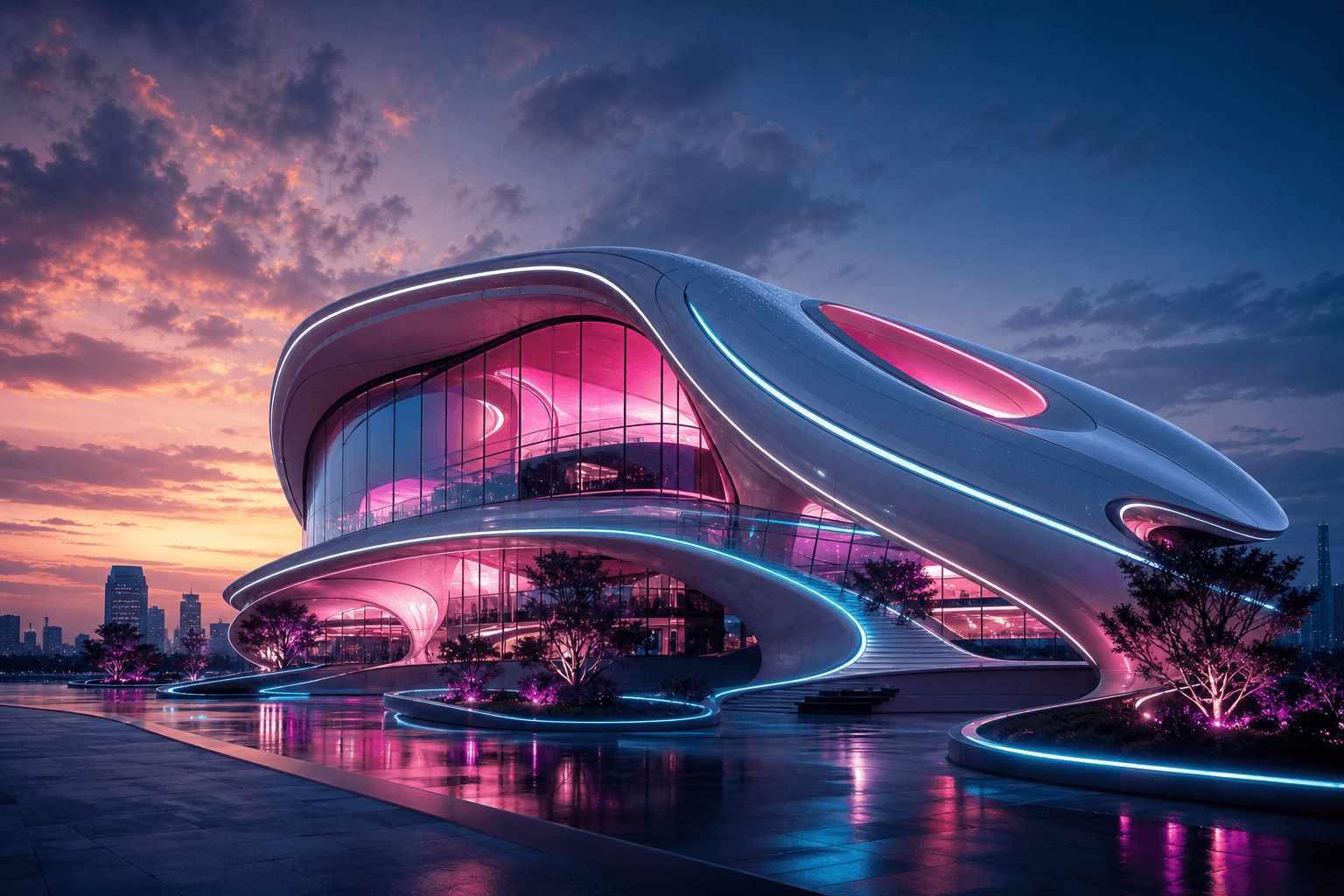
Why creators pick Kling 2
Image-to-video
Dynamic camera
Stable motion
How to use Kling 2
1
Open the OmniPix studio and pick Kling 2 from the model shelf.
2
Describe your scene or upload a starting image to animate.
3
Hit generate. Kling 2 costs 16 credits per run.
4
Refine, upscale and download in full resolution.
Kling 2 FAQ
More video models

Start creating with every model today
30 free credits every month. No credit card required. Upgrade only when you need more.