
image model3 credits
ProShot
E-commerce & product photography
Commercial product shots with studio lighting, splashes and reflections — replace a full photo shoot for your store.
Powered by ProShot
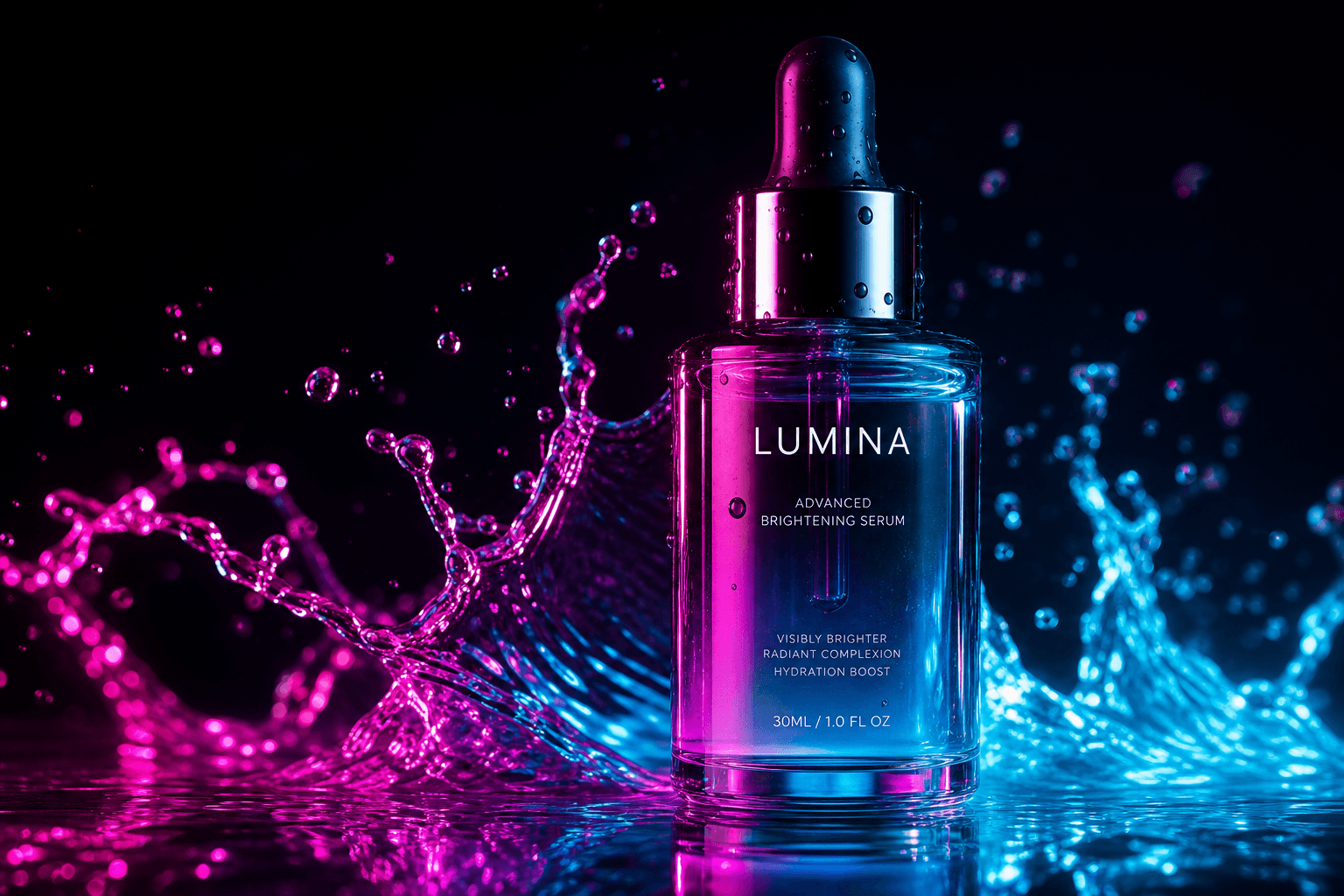
Why creators pick ProShot
Studio product lighting
Splash & reflection FX
Ad-ready compositions
How to use ProShot
1
Open the OmniPix studio and pick ProShot from the model shelf.
2
Describe what you want to see — or upload a reference to edit.
3
Hit generate. ProShot costs 3 credits per run.
4
Refine, upscale and download in full resolution.
ProShot FAQ
More image models

Start creating with every model today
30 free credits every month. No credit card required. Upgrade only when you need more.